
Key facts
Start here
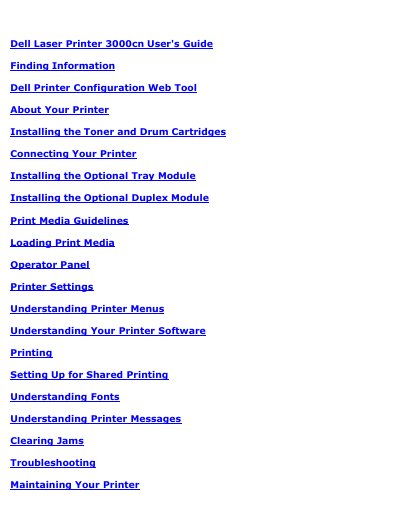
Dell 3000cn Laser Printer User's Guide
The Dell Laser Printer 3000cn User's Guide provides detailed instructions for setting up and operating the printer, including the installation of toner, drum cartridges, and optional modules such as the duplex module and tray modules.
It includes guidance on using the Dell Printer Configuration Web Tool for remote management, printer settings, and supply monitoring, as well as troubleshooting and maintenance procedures.
Dell 3000cn specifications
| Optional 250-sheet tray module | Available as an option in A4/Letter or Legal cassette versions |
|---|---|
| Optional 500-sheet tray module | Available as an option |
| Maximum tray count | Two trays |
| Optional duplex module | Available as an option |
All Dell 3000cn documents by type
Day-to-day operation, settings and troubleshooting. Start here if the product is already set up.
Questions answered in these manuals
How do I open the Dell Printer Configuration Web Tool?
Enter the network printer's IP address in a web browser.
What does an IP address of 0.0.0.0 mean?
It is the factory default value and means that no IP address has been assigned to the printer.
What is the purpose of the Dell Printer Configuration Web Tool?
It allows users to check printer status, manage print jobs, change settings, and set up email alerts for supplies or intervention.
What is the maximum number of trays that can be installed on the Dell 3000cn printer?
Your printer can be equipped with a maximum of two trays.
How can toner cartridges be ordered for the Dell 3000cn?
Toner cartridges are available only through Dell and can be ordered online at www.dell.com/supplies or by phone.
What must be removed before moving the printer?
The optional 250-sheet and 500-sheet drawer modules must be removed before moving the printer.