
Key facts
Start here
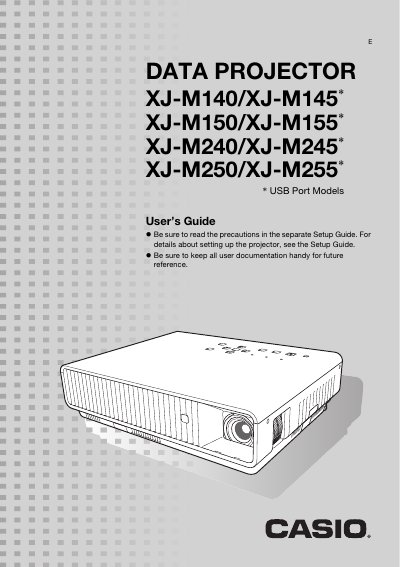
CASIO XJ-M140/XJ-M145* XJ-M150/XJ-M155* XJ-M240/XJ-M245* XJ-M250/XJ-M255* DATA PROJECTOR user manual(3)
This manual provides instructions for the Casio XJ-M series of data projectors, which utilize a laser and LED hybrid light source. It details how to connect various input sources including HDMI, VGA, S-video, and USB devices, as well as how to use the remote controller and projector keys.
Read onlineCasio XJ-M140 specifications
| Brightness (ANSI Lumens) | 2500 or 3000 |
|---|---|
| Projection System | DLP |
| Light Source | Laser and LED |
| Resolution (XJ-M140/150) | XGA (1024 x 768) |
| Resolution (XJ-M240/250) | WXGA (1280 x 800) |
| Zoom | 1.5X manual optical zoom |
All Casio XJ-M140 documents by type
Day-to-day operation, settings and troubleshooting. Start here if the product is already set up.
- CASIO XJ-M140/XJ-M145* XJ-M150/XJ-M155* XJ-M240/XJ-M245* XJ-M250/XJ-M255* DATA PROJECTOR user manual(3) 63 p
- CASIO XJ-M140/XJ-M145* XJ-M150/XJ-M155* XJ-M240/XJ-M245* XJ-M250/XJ-M255* DATA PROJECTOR user manual(2) 26 p
- CASIO XJ-M140/XJ-M145* XJ-M150/XJ-M155* XJ-M240/XJ-M245* XJ-M250/XJ-M255* DATA PROJECTOR user manual(1)(1) 61 p
- CASIO XJ-M140/XJ-M145* XJ-M150/XJ-M155* XJ-M240/XJ-M245* XJ-M250/XJ-M255* DATA PROJECTOR user manual(1) 61 p
- Casio XJ-M140/XJ-M145/XJ-M150/XJ-M155/XJ-M240/XJ-M245/XJ-M250/XJ-M255 Data Projector User Manual 63 p
- Casio XJ-M140/XJ-M145/XJ-M150/XJ-M155/XJ-M240/XJ-M245/XJ-M250/XJ-M255 Projector User Manual 63 p
- Casio XJ-M140/XJ-M145 Projector User Manual 25 p
Questions answered in these manuals
What is the brightness of the projector?
The projector provides high brightness ranging from 2,500 to 3,000 lumens.
Does the projector support 3D input?
Yes, it supports projection of a 3D image signal via analog RGB, composite video, or S-video inputs.
What is the operating temperature range for this projector?
The operating temperature range is 5°C to 35°C (41°F to 95°F).
Can you leave the lens cover attached while the projector is in use?
No, you must remove the lens cover before turning on the projector and never leave it attached during use.
What input sources does the projector support?
The projector supports Analog RGB, composite video, S-video, component video, and HDMI input sources.
How do I select a different input source?
You can use the [INPUT] key on the remote controller or projector to switch between connected devices.