
This projector is made by CASIO and the model number is XJ-M140/XJ-M145* XJ-M150/XJ-M155* XJ-M240/XJ-M245* XJ-M250/XJ-M255*. It is mainly used for data projection and supports DLP technology. It can be connected to computers, laptops and tablets, and supports HDMI and USB interfaces
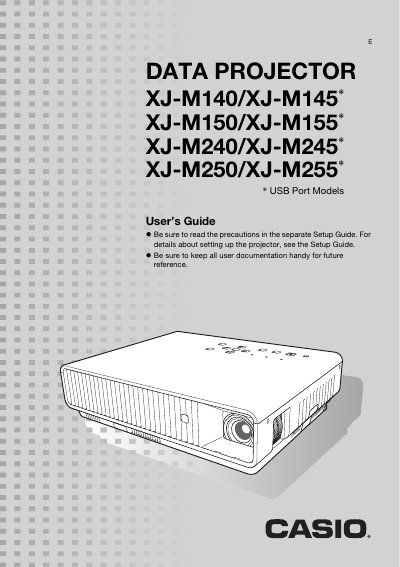
The XJ-M series data projectors feature a laser‑LED hybrid light source with up to 3,000 ANSI lumens, DLP projection, and support for multiple input sources including HDMI, component, and USB. Advanced functions such as Eco Mode, 3D projection, and LAN control are described throughout the guide.
This manual explains how to install the projector, configure basic and advanced settings, operate the remote controller, clean the unit, and troubleshoot common issues. Detailed specifications for each model are listed at the end of the document.
| Model Name | XJ-M140/XJ-M145/XJ-M150/XJ-M155/XJ-M240/XJ-M245/XJ-M250/XJ-M255 |
|---|---|
| Brightness (ANSI Lumens) | 2500 – 3000 |
| Projection System | DLP |
| Resolution | XGA (1024×768) / WXGA (1280×800) |
| Projection Lens | 1.5× manual optical zoom, manual focus |
| Light Source | Laser and LED hybrid |
| HDMI Terminal | HDMI type A terminal x 1 |
The projector can be operated through a wired LAN connection or a wireless LAN adapter using the remote controller or a computer.
Yes, you can connect a USB memory or memory card to the projector’s USB port and project files without a computer.
The remote controller can select different pointer shapes that appear on the projected image during a presentation.
Eco Mode automatically adjusts the projector’s brightness based on ambient light levels to save power.