
This document describes the features and functions of the Casio data projectors XJ-M140/XJ-M145*, XJ-M150/XJ-M155*, XJ-M240/XJ-M245*, XJ-M250/XJ-M255* released in June 2011.
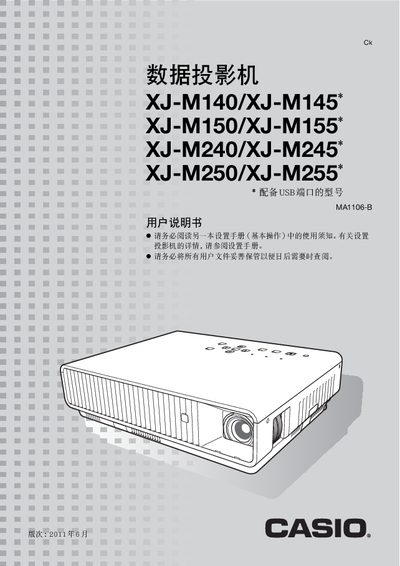
This user manual covers the features and functions of the Casio XJ‑M series projectors, including laser/LED light source, DLP projection, and WXGA resolution. It explains how to use the remote control, adjust image settings, and select input sources such as HDMI, RGB, and S‑Video.
Detailed sections describe advanced configuration menus, password protection, cleaning procedures, LAN and RS‑232C control, and troubleshooting. The document also lists specifications, connection diagrams, and safety warnings for safe operation. This manual is written in Chinese.
| Brightness | 2,500–3,000 lm |
|---|---|
| Light Source | Laser and LED |
| Projection Technology | DLP |
| Native Resolution | 1280×800 (WXGA) |
| Optical Zoom | 1.5× manual |
| HDMI Input | HDMI Type‑A terminal (1) |
| RGB Input | 15‑pin mini D‑Sub (1) |
| USB Port | USB Type‑A (1) |
| LAN Port | RJ‑45 (1) |
| Serial Port | 9‑pin D‑Sub (1) |
When power is connected, the projector automatically powers on and starts projecting (instant on).
Use the HDMI Type‑A terminal on the rear of the projector.
Select the Brightness adjustment option in the Image Adjustment menu.
Enter the Password Protection menu and set a password to enable password protection.