
CASIO XJ-M140/XJ-M145* XJ-M150/XJ-M155* XJ-M240/XJ-M245* XJ-M250/XJ-M255* DATA PROJECTOR user manual(1)

This manual introduces the operation of CASIO DATA PROJECTOR XJ-M140/XJ-M145/XJ-M150/XJ-M155/XJ-M240/XJ-M245/XJ-M250/XJ-M255.
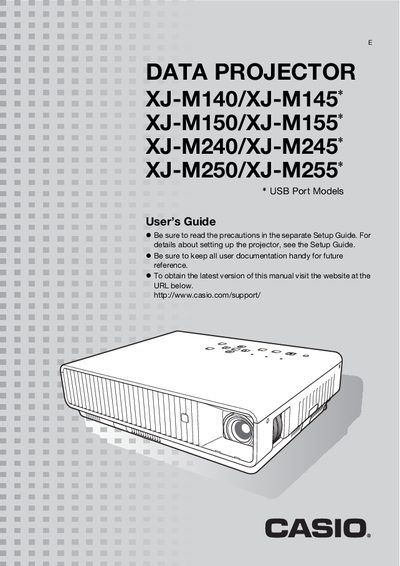

CASIO XJ-M140/XJ-M145* XJ-M150/XJ-M155* XJ-M240/XJ-M245* XJ-M250/XJ-M255* DATA PROJECTOR user manual(1) - cover page
Brand
Casio
Category
Projector
Document type
User Manual
Language
English
Pages
61
File format
PDF
File size
1.2 MB
Published
06 June, 2012
Updated
30 September, 2023
MD5 checksum
F0822466C4C2139AF13E6F0E6B15845E

About this manual

This manual provides instructions for the Casio XJ-M series of data projectors, which utilize a laser and LED hybrid light source with brightness ranging from 2,500 to 3,000 ANSI lumens. The document details features such as Intelligent Brightness Control (Eco Mode), 3D image projection support via specific inputs, and various connectivity options including HDMI, USB, and LAN.

What's inside

  • About this Manual
  • Projector Overview
  • Remote Controller and Projector Keys
  • Back Terminals
  • Operation During Projection
  • Configuring Advanced Projector Settings
  • Cleaning the Projector
  • Error Indicators and Warning Messages
  • Connecting to a Video Device
  • Specifications

Specifications

Brightness (ANSI Lumens)2500 or 3000
Projection SystemDLP
Light SourceLaser and LED
Zoom1.5X manual optical zoom

Frequently asked questions

What is the brightness of the Casio XJ-M series projectors?

The projectors provide high brightness ranging from 2,500 to 3,000 lumens.

Does the projector support 3D image projection?

Yes, it supports 3D image projection via analog RGB, composite video, or S-video inputs.

Download PDF (1.2 MB)

More Casio Manuals


View all Casio manuals →