
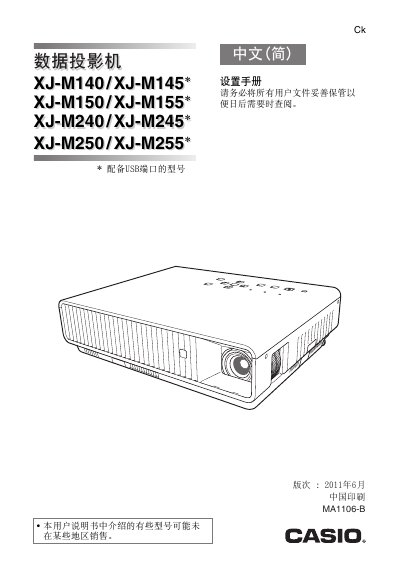
This document introduces the models and features of Casio data projectors equipped with USB ports. It also provides instructions for use and safety precautions.
This manual begins with safety warnings, covering hazards such as fire, electric shock, and improper handling of the power cord and battery. It explains the required precautions for power supply, ventilation, and environmental conditions, including the recommended operating temperature range of 5 °C to 35 °C.
The guide then details how to start and stop projection, connect the projector to a computer via HDMI or other interfaces, adjust tilt and focus, and perform routine cleaning and troubleshooting. It also includes instructions for battery handling, wireless adapter use, and proper disposal of the unit. This manual is written in Chinese.