
This instruction manual describes the basic operating procedures for the CASIO XJ-M140/XJ-M145/XJ-M150/XJ-M155/XJ-M240/XJ-M245/XJ-M250/XJ-M255 data projector.
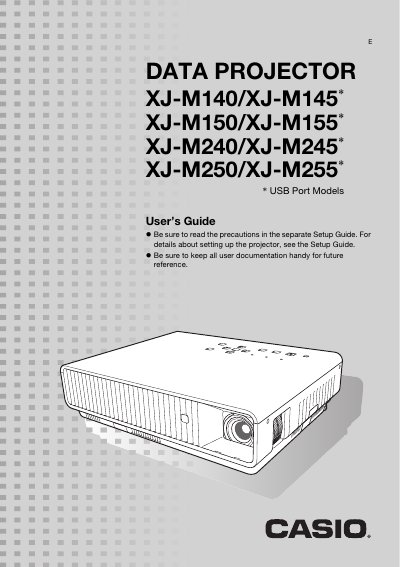
This manual provides instructions for the Casio XJ-M series of data projectors, which utilize a laser and LED hybrid light source. It details how to connect various input sources including HDMI, VGA, S-video, and USB devices, as well as how to use the remote controller and projector keys.
| Brightness (ANSI Lumens) | 2500 or 3000 |
|---|---|
| Projection System | DLP |
| Light Source | Laser and LED |
| Resolution (XJ-M140/150) | XGA (1024 x 768) |
| Resolution (XJ-M240/250) | WXGA (1280 x 800) |
| Zoom | 1.5X manual optical zoom |
The projector provides high brightness ranging from 2,500 to 3,000 lumens.
Yes, it supports projection of a 3D image signal via analog RGB, composite video, or S-video inputs.
Yes, you can connect USB memory or a memory card directly to the projector's USB port.