
This is a projector user manual that introduces the basic operation of the projector, including safety precautions, operating precautions, light source unit precautions, laser precautions, other precautions, post-use handling, projector storage, projector cleaning, unpacking, general guide, preparation, loading remote controller batteries, projector setup, setup precautions, changing the projector elevation angle, connecting the projector to the computer, starting and stopping projection, starting the projection, turning off the projector
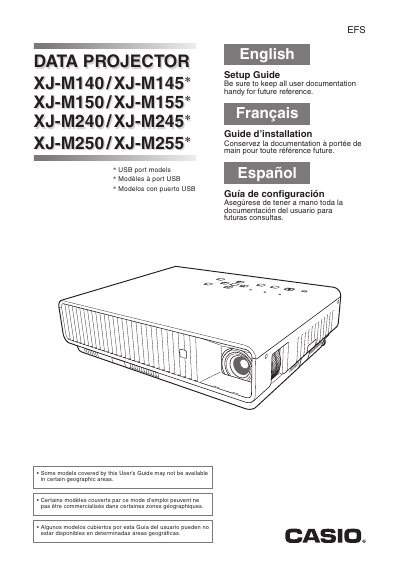
This document serves as a Setup Guide for the specified models of Casio Data Projectors. It provides essential information on unpacking the device, loading remote controller batteries, and setting up the projector elevation angle before connecting it to a computer.
The guide also details critical safety precautions regarding power cords, water exposure, ventilation, and lens usage to prevent injury or equipment damage. Additionally, it includes sections on operating procedures such as starting and stopping projection, troubleshooting common issues, cleaning the device, and proper storage.
The operating temperature range is 5°C to 35°C (41°F to 95°F).
No, you must remove the lens cover before turning on the projector and never leave it attached during use.