
Key facts
- Brand
- Casio
- Model
- EX-ZS150
- Category
- Digital cameras
- Industry
- Electronics
- Documents
- 2
- Languages
- EN · ZH
- Last added
- 2012-06-06
Start here
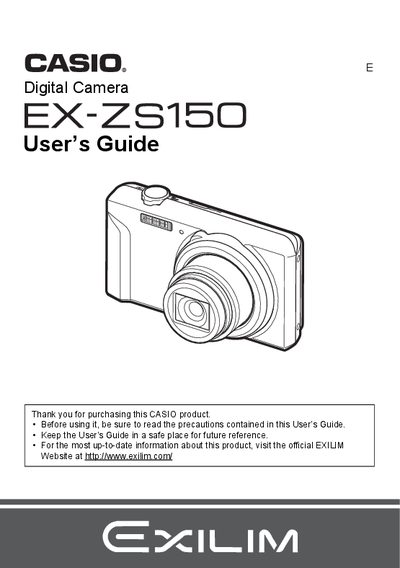
Casio EX-ZS150 Digital Camera User's Guide
User Manual 136 pages · 3.2 MB · EN
This manual covers the basic operations of the Casio EX-ZS150 digital camera. It details how to charge the NP-80 battery, load a memory card, and turn the device on and off. The guide explains various shooting modes such as Auto Focus, Face Detection, Silent Mode, and BEST SHOT for different scenes.
Read onlineCasio EX-ZS150 specifications
| Battery Rated Voltage | 3.7V |
|---|---|
| Battery Rated Capacitance | 700 mAh |
| Adaptor Input Power | 100 to 240 V AC, 50/60 Hz, 100 mA |
| Adaptor Output Power | 5.0 V DC, 650 mA |
All Casio EX-ZS150 documents by type
User Manual 2
Day-to-day operation, settings and troubleshooting. Start here if the product is already set up.
Questions answered in these manuals
What is the operating temperature range for the NP-80 battery?
The operating temperature range is 0 to 40°C (32 to 104°F).
What are the dimensions of the NP-80 battery?
The dimensions are 31.4 mm x 39.5 mm x 5.9 mm.
How do I change the display language?
Select the language option in the settings menu to change the display language.
How can I reset the camera to factory defaults?
Choose the reset option to restore the camera to its initial factory settings.