
Casio EX-ZS150 Digital Camera User's Guide

This document is a user guide for CASIO products, providing detailed information on product precautions, accessories, usage instructions, and CASIO's liability disclaimer.
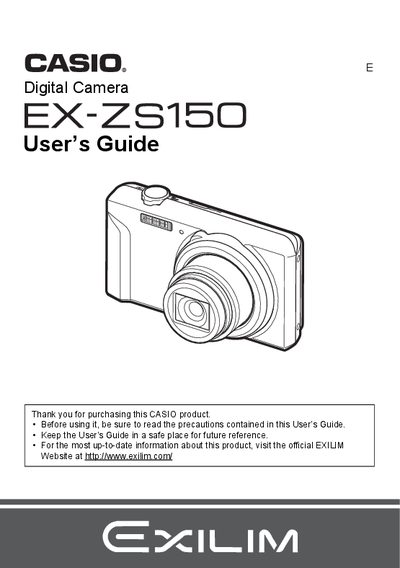

Casio EX-ZS150 Digital Camera User's Guide - cover page
Brand
Casio
Category
Digital cameras
Document type
User Manual
Language
English
Pages
136
File format
PDF
File size
3.2 MB
Published
06 June, 2012
Updated
28 September, 2023
MD5 checksum
0D3650CAD8DEE6E776093D4854155722

About this manual

This manual covers the basic operations of the Casio EX-ZS150 digital camera. It details how to charge the NP-80 battery, load a memory card, and turn the device on and off. The guide explains various shooting modes such as Auto Focus, Face Detection, Silent Mode, and BEST SHOT for different scenes.

What's inside

  • Accessories
  • Quick Start Basics
  • Snapshot Shooting
  • Recording Movie Images
  • Using the Control Panel
  • Viewing Snapshots and Movies
  • Printing
  • Other Settings (Set Up)
  • Troubleshooting
  • Specifications

Specifications

Battery Rated Voltage3.7V
Battery Rated Capacitance700 mAh
Adaptor Input Power100 to 240 V AC, 50/60 Hz, 100 mA
Adaptor Output Power5.0 V DC, 650 mA

Frequently asked questions

What is the operating temperature range for the NP-80 battery?

The operating temperature range is 0 to 40°C (32 to 104°F).

What are the dimensions of the NP-80 battery?

The dimensions are 31.4 mm x 39.5 mm x 5.9 mm.

What is the weight of the NP-80 battery?

The weight is approximately 15 g (0.53 oz).

Download PDF (3.2 MB)

More Casio Manuals


View all Casio manuals →