
Key facts
- Brand
- Casio
- Model
- EX-ZS6
- Category
- Digital cameras
- Industry
- Electronics
- Documents
- 2
- Languages
- EN · ZH
- Last added
- 2012-06-06
Start here
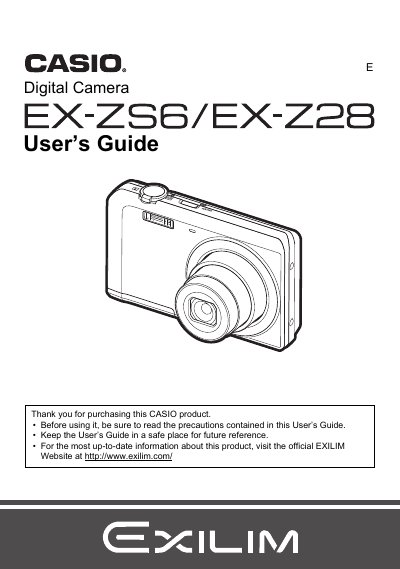
Casio EX-ZS6/EX-Z28 Digital Camera User's Guide
User Manual 137 pages · 3.1 MB · EN
This manual covers the complete operation of your Casio EXILIM digital camera. It begins with unpacking and charging the NP-80 battery, followed by instructions for preparing a memory card (SD/SDHC/SDXC). The guide details how to turn the camera on and off, hold it correctly, and take snapshots using various modes including easy Mode, BEST SHOT, and manual settings.
Read onlineCasio EX-ZS6 specifications
| Effective Pixels | 16.10 Megapixels |
|---|---|
| Imaging Element Size | 1/2.3-inch square pixel CCD |
| Lens Focal Length | f = 4.7 to 23.5 mm (equivalent to 26 to 130 mm) |
| Optical Zoom | 5X optical zoom |
| Digital Zoom | 4X digital zoom (20X in combination with optical zoom) |
| Snapshot Image Sizes | 16M, 10M, 5M, 3M, VGA |
| Movie Resolution | HD (1280 x720), STD (640 x480) |
| Shutter Speed | 1/2 to 1/2000 second |
All Casio EX-ZS6 documents by type
User Manual 2
Day-to-day operation, settings and troubleshooting. Start here if the product is already set up.
Questions answered in these manuals
How do I charge the battery?
Use the included USB-AC adaptor (AD-C53U) to charge the NP-80 rechargeable lithium ion battery.
What is the maximum optical zoom?
The camera features a 5X optical zoom.
How do I charge the battery before using the camera?
Charge the battery before first use as instructed in the manual.
How can I format the memory card or internal storage?
Select the format option to format the internal memory or the inserted storage card.