
This is a user manual for a CASIO camera, which introduces the camera's usage methods, features, etc.
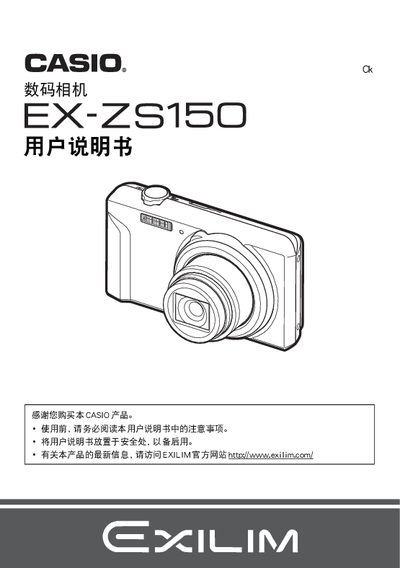
This manual introduces the EX‑ZS150 digital camera, covering safety precautions, package contents, and basic handling. It explains how to install the battery, attach accessories, insert and format a memory card, and power the camera on and off. The quick‑start section guides first‑time users through essential settings such as date/time, language, and default shooting modes.
Later chapters detail advanced functions like auto‑focus selection, flash usage, self‑timer, face detection, quiet mode, zoom shooting, Best Shot mode, movie recording, and playback. It also describes USB and Eye‑Fi wireless transfer, printing via DPOF, battery charging, power‑adapter specifications, and a troubleshooting guide for common issues. This manual is written in Chinese.
| Battery nominal voltage | 3.7 V |
|---|---|
| Battery dimensions (W×H×D) | 31.4 mm × 39.5 mm × 5.9 mm |
| Battery weight | ≈159 g |
| Power‑adapter output | 5.0 V DC, 650 mA |
| Power‑adapter dimensions (W×H×D) | 53 mm × 21 mm × 45 mm |
| Power‑adapter weight | ≈379 g |
Select the language option in the settings menu to change the display language.
Choose the reset option to restore the camera to its initial factory settings.