
This document is about the user manual of EXILIM digital camera
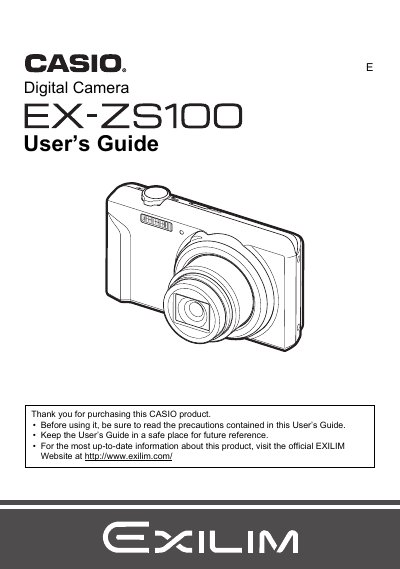
The document is a comprehensive user manual for the Casio EX-ZS100 digital camera. It covers unpacking the device, charging the NP-80 battery, and configuring initial settings such as memory card formatting and language selection.
The guide details how to operate the camera in various modes, including snapshot shooting with features like face detection, silent mode, and zoom controls. It also explains movie recording, playback functions on the LCD screen or via TV connection, printing options using DPOF, and transferring images to a computer.
The rated voltage of the rechargeable lithium ion battery (NP-80) is 3.7V.
The dimensions of the NP-80 battery are 31.4 (W) X 39.5 (H) X 5.9 (D) mm.
The input power requirement for the USB-AC adaptor is 100 to 240 V AC, 50/60 Hz.