
This document provides information on the precautions, accessories list, and usage instructions for CASIO products, as well as detailed information on general guidelines and display screen content.
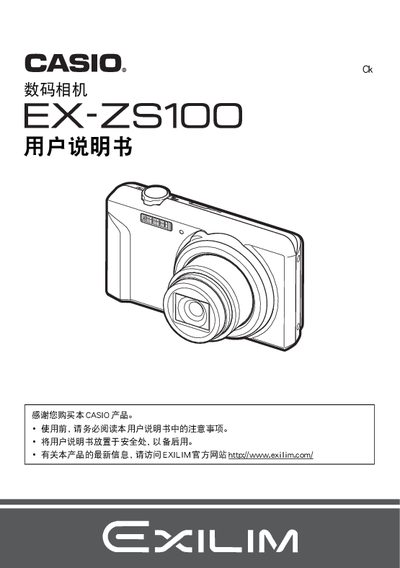
This manual guides users through unpacking the camera, installing the NP‑80 lithium‑ion battery, and connecting the USB‑AC adapter (AD‑C53U). It explains the layout of the LCD screen, button functions, and basic shooting modes, as well as how to insert and format storage cards.
Further sections cover advanced features such as Best Shot, face detection, image stabilization, ISO settings, and video output. Instructions for transferring images to Windows or Macintosh computers, using Eye‑Fi wireless cards, and printing via DPOF are also included. This manual is written in Chinese.