
This document is about the user's guide of CASIO product, it contains the features and characteristics of the product.
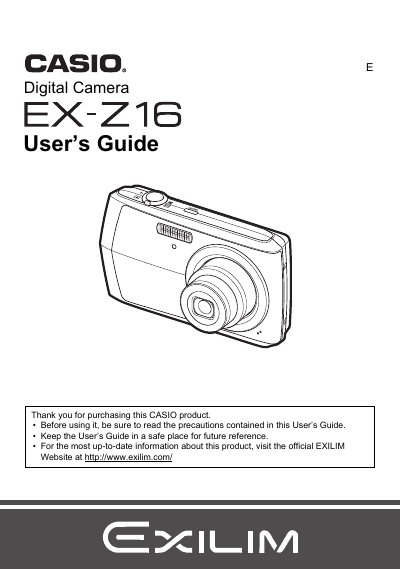
This manual provides instructions for using the Casio EX-Z16 digital camera. It covers unpacking the device, charging the NP-80 battery, and configuring initial settings such as memory card formatting and date/time.
The guide details how to operate the camera for taking snapshots and recording movies, including features like face detection, flash control, and various image quality settings. It also explains how to view images on the LCD or a TV screen, perform playback functions like slideshow and red-eye correction, and transfer files to a computer via USB.
| Battery Type | Rechargeable lithium ion battery (NP-80) |
|---|---|
| Charger Model | BC-81L |
| Battery Rated Voltage | 3.7V |
| Battery Rated Capacitance | 700 mAh |
| Charger Input Power | 100 to 240 V AC, 45 mA, 50/60 Hz |
| Charger Output Power | 4.2V DC, 300 mA |
The camera requires a Rechargeable lithium ion battery (NP-80).
The charging time for the NP-80 battery is 210 minutes.
Yes, you can connect the camera to a TV screen using the USB/AV port.