
This is the instruction manual for a Canon Exilim digital camera
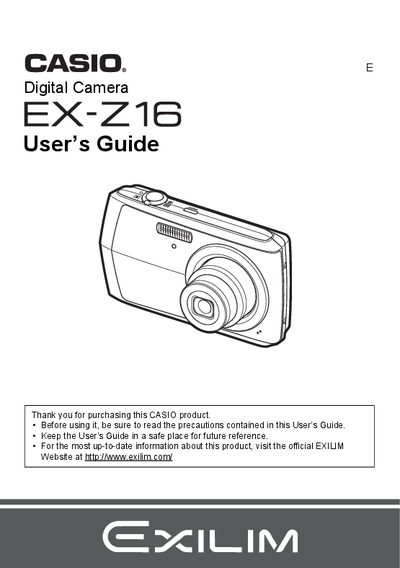
This document is the official User's Guide for the CASIO EX-Z16 digital camera. It provides comprehensive instructions on unpacking the device, charging the NP-80 battery, and configuring initial settings such as memory card formatting and date/time styles.
The guide details operation procedures including snapshot shooting with various modes like Face Detection and BEST SHOT, movie recording, and image playback features such as slideshow, red-eye correction, and DPOF printing. It also covers connecting the camera to computers for file transfer and managing settings via on-screen menus.
The rated voltage for the rechargeable lithium ion battery (NP-80) is 3.7V.
The charging time for the rechargeable lithium ion battery (NP-80) is 210 minutes.
The dimensions of the charger unit (BC-81L) are 52 (W) X 20 (H) X 79 (D) mm.