
This document is the user manual for Casio Exilim K1123PCM1DMX digital camera, which introduces the basic functions and usage methods of the camera.
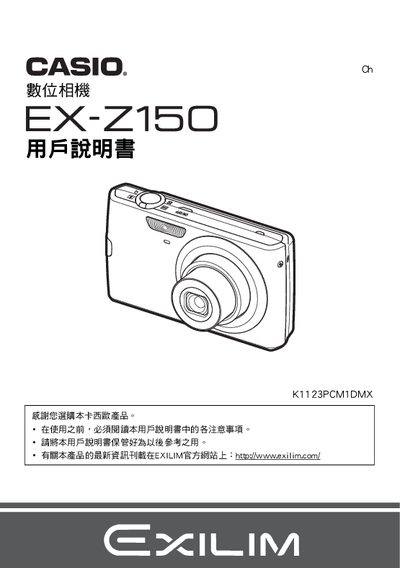
This manual explains how to unpack, charge, and set up the EX‑Z150 camera, including battery installation, initial charging, and basic operation steps. It also covers language selection, formatting the internal memory, and using the camera's various shooting modes.
Additional sections describe advanced features such as PictBridge printing, USB transfer, image settings, playback, and troubleshooting tips. Safety precautions and warranty information are provided at the end of the document. This manual is written in Japanese.
| Battery rated voltage | 37 V |
|---|---|
| Battery rated capacity | 1050 mAh |
| Battery operating temperature | 0 °C to 40 °C |
| Battery dimensions | 31.5 mm × 44.1 mm × 7.5 mm |
| Battery weight | ≈24.5 g |
| Charger input voltage | 100‑240 V AC |
| Charger output voltage | 4.2 V DC |
| Charger output current | 600 mA |
| Charger operating temperature | 5 °C to 35 °C |
| Charger dimensions | 55 mm × 23 mm × 86 mm |
| Charger weight | ≈64 g |
The camera can be used in ambient temperatures from 0 °C up to 40 °C.
Select the “格式化内置記憶” option in the menu to format the built‑in memory.
Yes, the camera supports PictBridge; connect it to a compatible printer and use the DPOF print function.