
This is a user manual for a digital camera
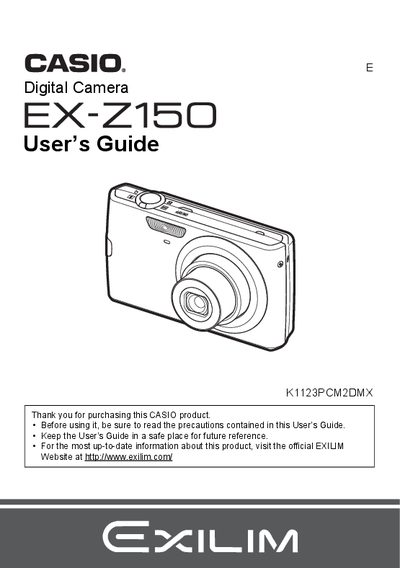
The Casio EX-Z150 is a digital camera that stores images on a memory card, allowing users to record and delete images repeatedly. The device includes features such as face detection, anti-shake technology, and various snapshot modes including Best Shot for specific scenes.
This User's Guide covers the complete operation of the camera, from initial setup like charging the NP-70 battery and formatting memory cards to advanced settings like adjusting white balance, ISO sensitivity, and image quality. It also details how to view images on a TV screen, transfer files to a computer, and print snapshots using DPOF.
| Battery Type | Rechargeable lithium ion battery (NP-70) |
|---|---|
| Charger Model | BC-70L |
| Battery Rated Voltage | 3.7V |
| Battery Rated Capacitance | 1050 mAh |
The camera requires a Rechargeable lithium ion battery (NP-70).
It takes approximately 130 minutes to fully charge the battery using the supplied charger.