
EX-Z110 digital camera user manual, introduces the basic functions, usage methods, precautions and other information of the camera
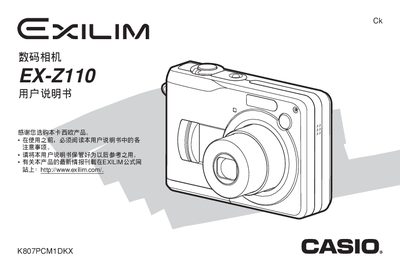
This guide covers all basic functions of the EX‑Z110, including shooting modes, image quality settings, playback, and file management. It explains how to use the optical viewfinder, LCD display, and special features such as BEST SHOT, Business Shot, and white‑balance adjustments.
Additional sections describe battery installation, power requirements, USB connection for image transfer, printing via PictBridge, and troubleshooting tips. Safety notices and warranty information are also included. This manual is written in Japanese.
| Display | 2.0‑inch TFT color LCD, 84,960 pixels (334×240) |
|---|---|
| Viewfinder | Optical viewfinder |
| Storage | SD memory card |
| Dimensions | 90 mm × 60 mm × 27.2 mm (excluding protrusions) |
| Weight | 136 g (without battery and accessories) |
| Power Input | 3 V AC, 3.3 W |
Connect the camera to a PC via the USB 2.0 port and use the provided software or standard file explorer to copy images.
The camera supports PictBridge and USB Direct‑Print for printing images directly from the device.
Use the menu to configure the date, time, and time‑zone settings; the manual provides step‑by‑step instructions.