
Key facts
- Brand
- Casio
- Model
- E-A200
- Documents
- 2
- Languages
- EN · ZH
- Last added
- 2012-06-06
Start here
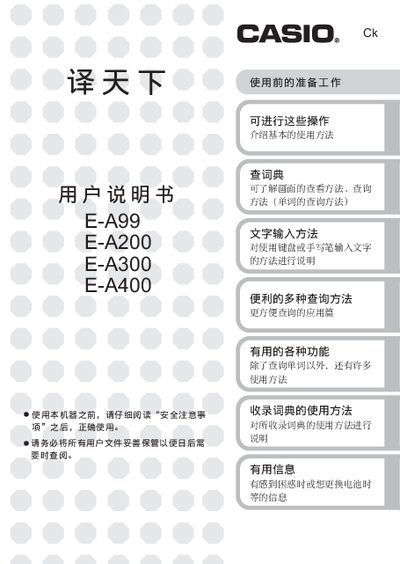
Casio E-A99/E-A200/E-A300/E-A400 User Manual
This manual covers the safe use and basic operation of Casio's E‑A series electronic dictionaries. It explains how to power the device, insert batteries, connect USB cables, and use the built‑in dictionaries and handwriting input.
Key sections include safety warnings, battery handling, USB cable usage, display care, headphone precautions, data backup recommendations, and detailed instructions for Chinese dictionary queries across the different models. This manual is written in Chinese.
Casio E-A200 specifications
| Maximum sampling points | 120,000 points |
|---|---|
| Simultaneous channels | five channels |
| Power source (Battery) | Four AA-size alkaline batteries |
Source: Casio EA-200 User's Guide
All Casio E-A200 documents by type
Day-to-day operation, settings and troubleshooting. Start here if the product is already set up.
Questions answered in these manuals
What is the maximum number of data points the EA-200 can sample?
The device supports sampling of up to 120,000 points.
Can the EA-200 be used with a Motion Sensor?
Yes, it can be used in combination with the optional "Motion Sensor (EA-2)".
What should I do if the battery leaks?
Stop using the device immediately and contact the store or an authorized Casio service center.
How can I safely disconnect the USB cable?
Hold the plug while pulling it out and avoid pulling on the cable; ensure the plug is fully inserted when connecting.