
Key facts
- Brand
- Casio
- Model
- EX-Z250
- Category
- Digital cameras
- Industry
- Electronics
- Documents
- 4
- Languages
- EN · ZH
- Last added
- 2012-06-06
Start here
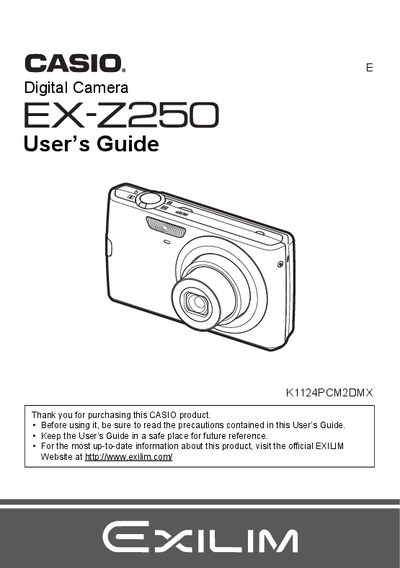
CASIO EX-Z250 Manual
The Casio EX-22E5 is a digital camera designed for capturing snapshots, movies, and audio. This User's Guide explains how to unpack the device, charge the battery, and prepare memory cards before use. It details various shooting features including Auto Focus, Face Recognition, Best Shot modes, and manual settings for image quality, white balance, and exposure.
Read onlineCasio EX-Z250 specifications
| Battery type | 離子充電電池 (NP-70) |
|---|---|
| Battery rated voltage | 37 V |
| Battery capacity | 1050 mAh |
| Battery operating temperature | 0 to 40 °C |
| Battery weight | ≈24.5 g |
| Battery dimensions | 31.5 mm × 44.1 mm × 7.5 mm |
| Charger input voltage | 100 to 240 V AC, 80 mA, 50/60 Hz |
| Charger output voltage | 4.2 V DC, 600 mA |
| Charger operating temperature | 5 to 35 °C |
| Charger weight | ≈64 g |
| Charging time | 130 minutes |
All Casio EX-Z250 documents by type
Day-to-day operation, settings and troubleshooting. Start here if the product is already set up.
Questions answered in these manuals
What items are included in the camera box?
The package includes a rechargeable lithium ion battery (NP-70), a charger unit (BC-70L), an attach strap, a power cord, a USB cable, an AV cable, and a CD-ROM.
From: CASIO EX-Z250 Manual
What should I do before shooting my final image?
You must shoot a test shot to ensure that the camera is recording correctly.
From: CASIO EX-Z250 Manual
What memory cards are supported?
The manual lists a section on Supported Memory Cards but does not specify the exact types in the provided text.
How do I format a new memory card?
You can initialize a new memory card using the camera's formatting function as described in the manual.
How do I charge the battery?
Insert the NP‑70 battery into the charger BC‑70L and charge for about 130 minutes.
What is the recommended operating temperature for the camera?
The camera is designed to operate between 0 °C and 40 °C.