
This is the user manual for the Canon LBP5300 laser printer, which mainly introduces the installation, basic operation and troubleshooting of the printer.
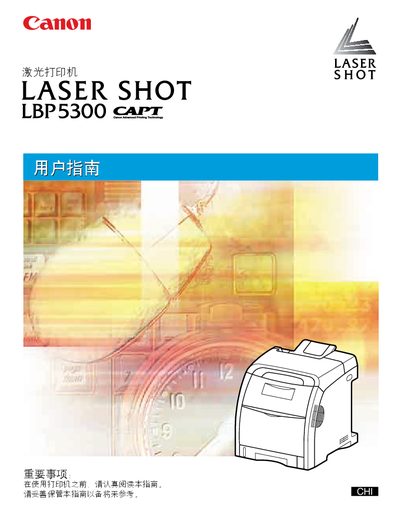
This manual guides users through installing the Canon LBP5300 laser printer, covering site preparation, environmental requirements, and connection methods such as USB and LAN. It also explains how to load paper, configure settings, and perform routine tasks like double‑sided printing.
Additional sections cover troubleshooting common errors, maintenance procedures, and safety information. The document includes reference tables, diagrams, and step‑by‑step instructions to help both beginners and experienced users operate the printer efficiently. This manual is written in Chinese.
Connect the printer to the computer using a USB cable as described in the "使用 USB" instructions.