
This PDF file is the instruction manual for VIXIA HF S10 A / VIXIA HF S100 A, which mainly introduces the characteristics and usage of the product.
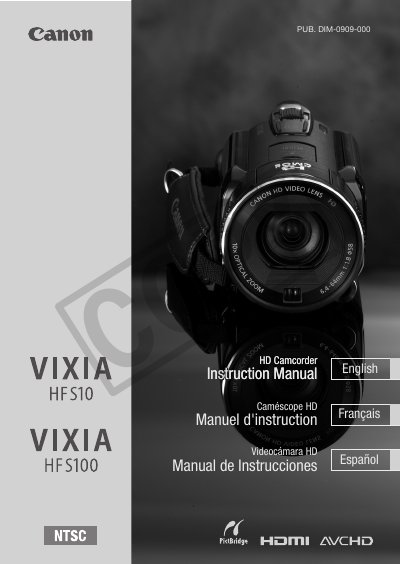
This manual covers important safety warnings, proper use of accessories, and power requirements for the VIXIA HF S10 and HF S100 HD camcorders. It explains how to handle the battery pack, power adapter, and antenna grounding, and includes cautions to prevent electric shock, fire, or damage.
The guide also details the camcorder's high‑definition video capabilities, registration instructions, and the limited warranty terms for parts and labor. Contact information for Canon service centers in the U.S., Canada, and other regions is provided.
| Video resolution | 1920 × 1080 pixels |
|---|---|
| Image sensor | Full HD CMOS |
| Power adapter input voltage | 100‑240 V AC |
The camcorder records video at 1920 × 1080 pixels when set to MXP or FXP mode.
The supplied power adapter works with an input voltage between 100 V and 240 V AC.
Product registration is available online at www.registercanon.com for U.S.A. customers.