
Key facts
Start here
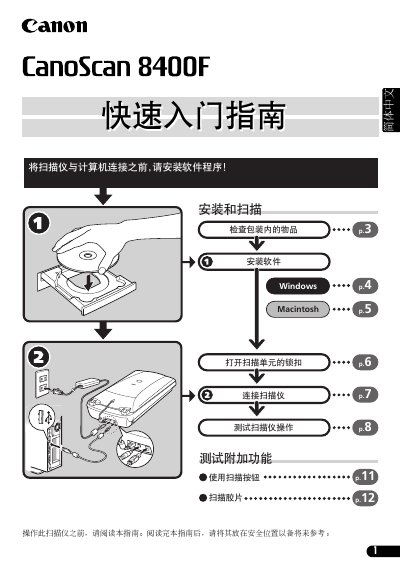
Canon CanoScan 8400F Scanner Quick Start Guide
This Chinese-language quick start guide covers unpacking the Canon CanoScan 8400F scanner and accessories, installing the bundled software on Windows or Macintosh, unlocking and connecting the scanner, and testing basic scanning with ArcSoft PhotoStudio.
It also explains scanning film with the included film holders and directs readers to the HTML Scanning Guide for troubleshooting and detailed software documentation. This manual is written in Chinese.
Canon CanoScan 8400F specifications
| Hard disk space required | approximately 350 MB (Windows) / 160 MB (Macintosh) |
|---|---|
| Film holder for 35 mm film | for 35 mm film strips and slides |
| Film holder for 120 format film | for 120 format film |
| Connection | USB |
All Canon CanoScan 8400F documents by type
The shortest path to a working setup, usually only a few pages.
Questions answered in these manuals
What should I do if the scanner does not operate as described?
Read the Troubleshooting section of the HTML Scanning Guide.
What should be done before connecting the scanner to the computer?
Unlock the scanner before connecting it to the computer.
What software is included with the scanner?
The package includes ScanGear CS, CanoScan Toolbox, ArcSoft PhotoStudio, ScanSoft OmniPage SE, Presto! PageManager (Windows only), Adobe Acrobat Reader, and Adobe Photoshop Elements.
How much hard disk space is required for installation?
Approximately 350 MB for Windows or 160 MB for Macintosh is required to install all the programs.