
This guide provides setup and scanning instructions for the Canon CanoScan 8400F scanner, including software installation, unlocking, connection, and…
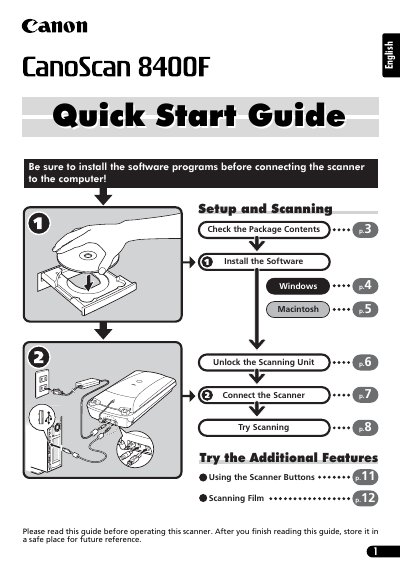
This document serves as a quick start guide for the Canon CanoScan 8400F scanner. It outlines essential steps to get the device operational, starting with checking package contents and installing bundled software programs like ScanGear CS, ArcSoft PhotoStudio, and Adobe Photoshop Elements on both Windows and Macintosh systems.
The package includes ScanGear CS, CanoScan Toolbox, ArcSoft PhotoStudio, ScanSoft OmniPage SE, Presto! PageManager (Windows only), Adobe Acrobat Reader, and Adobe Photoshop Elements.
Approximately 350 MB for Windows or 160 MB for Macintosh is required to install all the programs.
Scanning certain documents, such as bank notes and government bonds, may be prohibited by law and result in criminal liability.