
Key facts
- Brand
- Canon
- Model
- XH G1/XH A1
- Category
- Camcorders
- Industry
- Electronics
- Documents
- 5
- Languages
- EN · PT · ZH
- Last added
- 2026-11-22
Start here
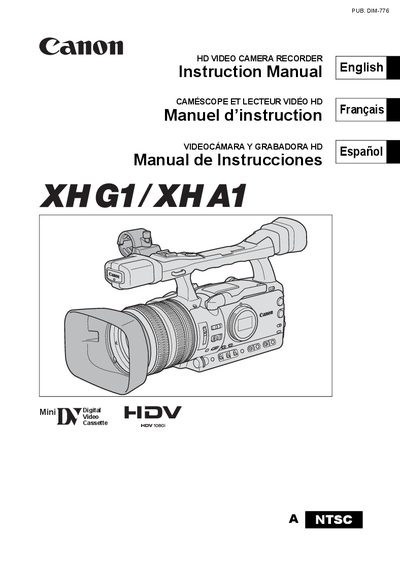
Canon XH G1 / XH A1 Camcorder Instruction Manual
This manual covers important safety and usage instructions, including warnings about fire, electric shock, and proper handling of the camcorder. It also details the supplied accessories, power‑adapter requirements, and how to prepare the camcorder and its battery.
The guide explains how to operate the device: selecting video standards (HD or SD), recording formats (HDV/DV), using the wireless controller, loading cassettes or memory cards, adjusting settings, and troubleshooting. Warranty terms and service information are provided at the end of the document.
Canon XH G1/XH A1 specifications
| Video signal standards | HD (high definition) or SD (standard definition) |
|---|---|
| Cassette recording format | HDV or DV |
| Video terminals | HD/SD SDI and HDV/DV |
| Memory card types | SDHC and SD memory cards |
| Computer connection | IEEE1394 |
All Canon XH G1/XH A1 documents by type
Day-to-day operation, settings and troubleshooting. Start here if the product is already set up.
Questions answered in these manuals
What accessories are supplied with the camcorder?
The supplied accessories include the CA-920 Compact Power Adapter, DC-920 DC Coupler, BP-950G Battery Pack, SDC-16M SD Memory Card, WL-D5000 Wireless Controller with two AA batteries, Lens Hood, Lens Cap, SS-1100 Shoulder Strap, STV-290N Stereo Video Cable, PC-A10 SCART Adapter (Europe only), and DTC-1000 Component Video Cable.
From: Canon XH G1/XH A1 HD Video Camera Recorder Instruction Manual
What recording standards does the camcorder support?
The camera section can be set to HD or SD video signal standards, and the recorder section records in HDV or DV format respectively.
From: Canon XH G1/XH A1 HD Video Camera Recorder Instruction Manual
Which Canon camcorder models does this manual cover?
It covers the Canon XH G1 and XH A1.
What should I do if the camcorder does not work correctly?
Consult the troubleshooting table.
What safety warnings should I follow before using the camcorder?
Read all safety and usage instructions, avoid exposing the camcorder to rain or moisture, use only recommended accessories, keep the power plug fully inserted, and do not modify the equipment unless instructed.
How do I power the camcorder?
Connect the CA‑920 Compact Power Adapter to a 100‑240 V AC outlet; the adapter has a polarized two‑prong plug that must be fully inserted.