
Chinese quick start guide for the Canon CanoScan 8400F scanner, covering unpacking, software installation, unlocking, connection, test scanning, and film…
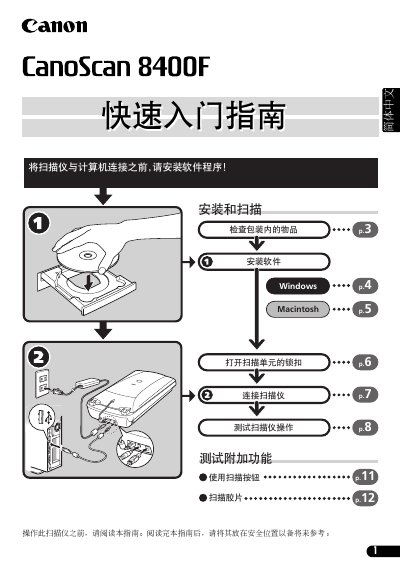
This Chinese-language quick start guide covers unpacking the Canon CanoScan 8400F scanner and accessories, installing the bundled software on Windows or Macintosh, unlocking and connecting the scanner, and testing basic scanning with ArcSoft PhotoStudio.
It also explains scanning film with the included film holders and directs readers to the HTML Scanning Guide for troubleshooting and detailed software documentation. This manual is written in Chinese.
| Hard disk space required | approximately 350 MB (Windows) / 160 MB (Macintosh) |
|---|---|
| Film holder for 35 mm film | for 35 mm film strips and slides |
| Film holder for 120 format film | for 120 format film |
| Connection | USB |
Read the Troubleshooting section of the HTML Scanning Guide.
Unlock the scanner before connecting it to the computer.
About 350 MB for Windows or 160 MB for Macintosh.
The package includes film holders for 35 mm film strips and slides and for 120 format film.