
The document describes the features and characteristics of the PT-2100 printer.
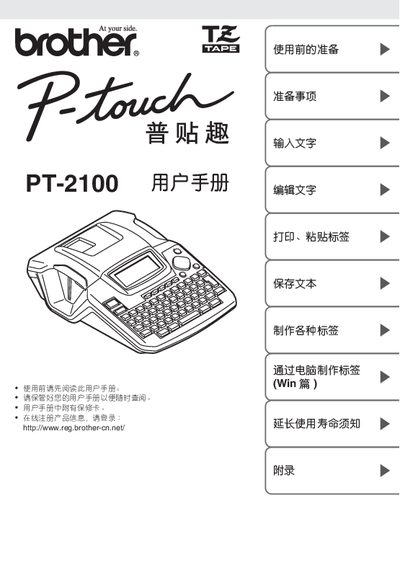
This manual guides users through preparing the PT-2100 label printer for first use, including safety checks, accessory verification, and basic operation steps. It also explains how to create labels directly on the device or via a computer using the supplied software.
Additional sections cover detailed safety precautions, power‑adapter requirements, battery handling, troubleshooting tips, and routine maintenance to extend the printer’s lifespan. This manual is written in Chinese.
| Power supply voltage | 220 V |
|---|
Only the rated voltage of 220 V may be used with the AC adapter.
Yes, the PT-2100 can be connected to a computer and used with the dedicated software to edit and print labels.
Read the user manual, verify all accessories, and follow the safety and preparation steps outlined in the manual.