
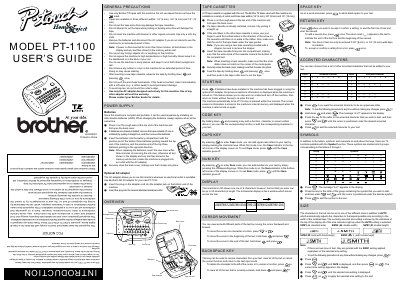
Brother PT-1100 Label Printer User's Guide


Brother PT-1100 Label Printer User's Guide - cover page
Brand
Brother
Category
Other Computer Accessories
Document type
User Manual
Language
English
Pages
2
File format
PDF
File size
299 KB
Published
02 July, 2012
Updated
29 September, 2023
MD5 checksum
DB9842B9ADF1C4E1AE4669B8E3B87941

About this manual

This manual provides instructions for the Brother PT-1100 label printer, including general precautions, power supply options using batteries or an AC adapter, and tape cassette installation. It details how to insert and secure the Brother TZ tape cassettes and how to advance the tape for cutting.

What's inside

  • GENERAL PRECAUTIONS
  • POWER SUPPLY
  • TAPE CASSETTES
  • STARTING
  • KEY FUNCTIONS
  • DISPLAY
  • CURSOR MOVEMENT
  • FCC NOTICE

Specifications

Tape Widths1/4" (6 mm), 3/8" (9 mm) and 1/2" (12 mm)
Display Capacityone row of 8 characters
Max Text Length55 characters
Auto Shut-offfive minutes

Frequently asked questions

How many characters can be entered on the display?

The LCD shows one row of 8 characters.

What happens if the machine is not used for five minutes?

The machine automatically turns off.

Download PDF (299 KB)

More Brother Manuals


View all Brother manuals →