
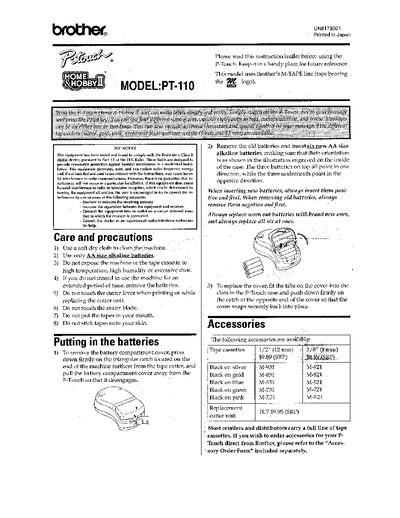
This document is an instruction leaflet for the Brother PT-110 thermal label maker. It provides essential setup information, including instructions for installing six AA batteries and inserting Brother M-TAPE cassettes. The guide also details safety precautions regarding the cutter blade and battery handling.
The manual explains how to operate the device using function keys such as ON, CAPS, DELETE, CODE, and FEED. It covers advanced features like changing text size (regular, double width/height) and style (Normal, Outline, Bold, etc.), adding underlines or frames, creating two-line labels, and setting label length.
The machine uses six new AA size alkaline batteries.
To conserve battery power, the P-Touch automatically switches itself off.
Hold down the CODE key and press FEED until the desired style name (e.g., NORMAL, BOLD) appears.