
This document describes the precautions for using the Brother P-Touch 2450 label maker, including which type of tape to use, how to clean the machine, how to replace the batteries and adapter, etc.
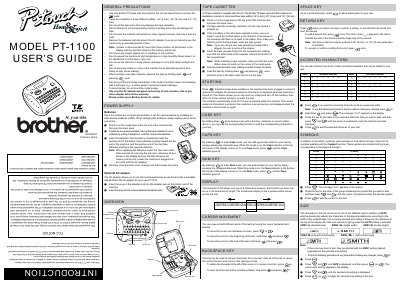
The Brother PT-1100 is a portable thermal transfer label maker that can be powered by six AAA alkaline batteries or an optional AC adapter. The device allows users to create custom labels with various character sizes, symbols, and accented characters using compatible TZ tape cassettes.
This manual covers general precautions for safe operation, detailed steps for installing batteries and tape, and instructions for entering text, moving the cursor, and formatting output. It also explains how to use specific keys such as CAPS, NUM, RETURN, and BACKSPACE.
All text shown in the display and any text files stored in the memory will be lost.
Six AAA alkaline batteries (LR03) are required.
The text entered can be up to 55 characters in length.