
This is the QUICK SETUP GUIDE PJ-622/PJ-623/ PJ-662/PJ-663 Mobile Printer, which contains some basic information and usage methods of the product
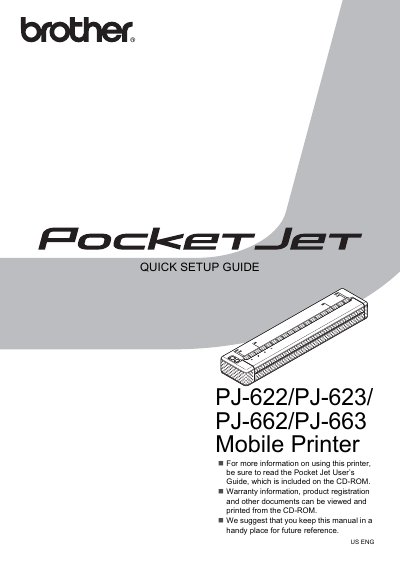
This Quick Setup Guide provides brief instructions for setting up the Brother Pocket Jet mobile printers (models PJ-622, PJ-623, PJ-662, and PJ-663). It covers essential steps such as connecting the AC power adapter, installing the rechargeable Ni-MH battery, and preparing the printer for use.
The printer must be connected to an AC power outlet that provides a voltage between 100 and 240 VAC.
The battery contains a heat sensor that stops the flow of electricity if it gets too hot.
Press the Power button twice in quick succession to turn the printer off.