
This document is the User's Guide for Brother mobile printer PocketJet PJ-622/PJ-623/PJ-662/PJ-663, providing instructions and precautions for using the printer.
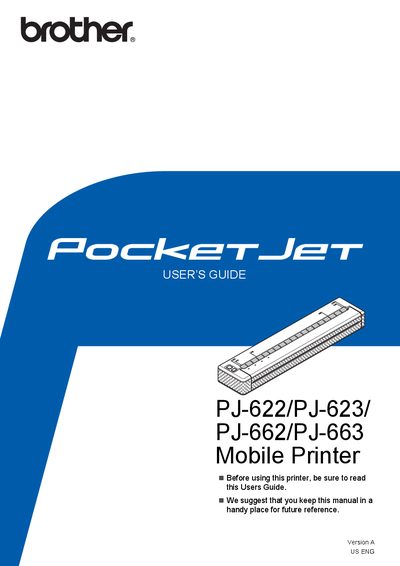
This document serves as the User's Guide for the Brother PocketJet series of mobile thermal printers, specifically models PJ-622, PJ-623, PJ-662, and PJ-663. It provides instructions on setting up the device, including connecting to external power sources like AC outlets, DC outlets, or using optional rechargeable Ni-MH and Li-ion batteries. The guide details the installation and usage of the printer driver and the PJ-600 Series Utility software for Windows and Mac OS users.
| Power Supply (AC) | 100 - 240 VAC, 50 - 60 Hz |
|---|---|
| Power Supply (DC) | 12 V DC |
| Ni-MH Battery Print Capacity | About 70 pages |
| Ni-MH Battery Charge Time | Up to 120 minutes |
It takes up to 120 minutes to fully charge a rechargeable Ni-MH battery.
A new, fully-charged rechargeable Ni-MH battery can print about 70 pages.
Bluetooth connection is supported only by the PJ-662 and PJ-663 models.