
This manual provides instructions for setting up, operating, and maintaining the Brother HL-3150CDN and HL-3170CDW color laser printers.
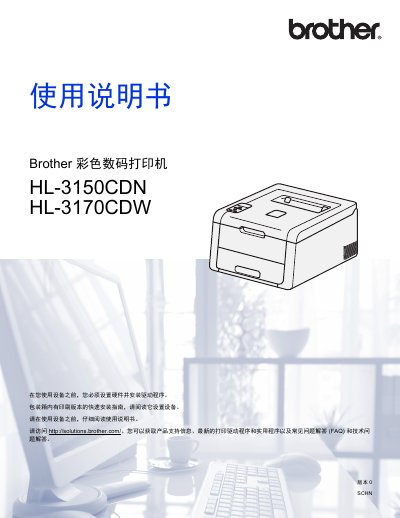
This user guide covers the complete setup process for the Brother HL-3150CDN and HL-3170CDW color digital printers. It includes detailed instructions on hardware installation, driver configuration for Windows and Macintosh systems, and connecting to networks via LAN or Wi-Fi Direct (for the W model). The document also explains how to use various paper types and media. This manual is written in Chinese.
| Recommended Paper Weight | 70 ~ 90 g/m² |
|---|---|
| Paper Thickness | 80 ~ 110 μm |
The printer supports ordinary paper, thin/thick/super-thick paper, coated paper, recycled paper, labels, envelopes, and glossy paper.
You can obtain product support information, the latest print drivers, and FAQs by visiting http://solutions.brother.com/.