
Key facts
- Brand
- Yamaha
- Model
- D24
- Category
- Player
- Industry
- Appliances
- Documents
- 2
- Languages
- EN
- Last added
- 2012-07-02
Start here
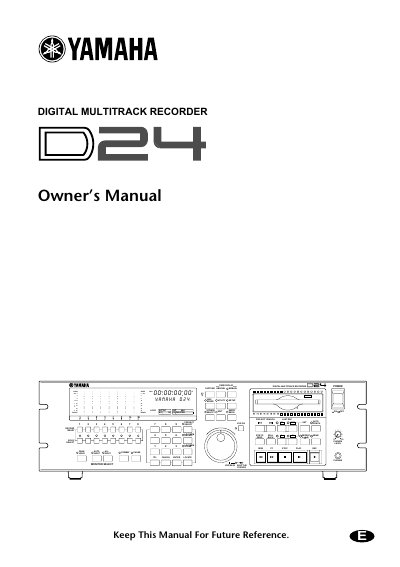
Yamaha D24 Digital Multitrack Recorder V2.0 Supplement
This document serves as a supplement for the Yamaha D24 Digital Multitrack Recorder, providing instructions on how to upgrade the unit and its remote controller (RC-D24) to Version 2.0 using a specific MO disk. It outlines the step-by-step process for updating the firmware on both the main unit and the remote controller, including specific warnings to prevent interruption during the update cycle.
The supplement also describes new features introduced in Version 2.0, such as seamless punch-out monitoring, variable crossfade modes, and the ability to clear A, B, IN, and OUT points. It details the technical limitations for seamless monitoring based on media type and resolution, and explains how to configure new fade settings and utilize the SOLO/SELECT buttons for track selection.
Yamaha D24 specifications
| Supported Media | MO or hard disk |
|---|---|
| Sampling Rates | 48 kHz or 44.1 kHz |
| Recording Resolutions | 16-, 20-, or 24-bit |
| Compatible I/O Cards | Apogee AP8AD and AP8DA |
Source: Yamaha D24 Digital Multitrack Recorder V2.0 Supplement
All Yamaha D24 documents by type
Day-to-day operation, settings and troubleshooting. Start here if the product is already set up.
Questions answered in these manuals
How do I check the version number after upgrading the D24?
Turn off the D24, then while pressing the [UTILITY] button, turn it on. The version number will appear as 'V1 200.'
From: Yamaha D24 Digital Multitrack Recorder V2.0 Supplement
Can the A, B, IN, and OUT points be cleared?
Yes, previously set points can be cleared by holding down the [CANCEL] button while pressing the respective point button.
From: Yamaha D24 Digital Multitrack Recorder V2.0 Supplement
How do I check the version number after upgrading?
Turn off the D24, press the [UTILITY] button, and turn it on. The version number will appear as 'V1 200.'
From: Yamaha D24 Digital Multitrack Recorder V2.0 Supplement
Can I use the A, B, IN & OUT points as edit times?
Yes, pressing these buttons when entering start, end, or to times will input the previously stored time values.
From: Yamaha D24 Digital Multitrack Recorder V2.0 Supplement