
This manual is the user manual for Toshiba barcode printer B-450-TS22-CN series. This manual contains warnings and precautions about operation. Read and understand these warnings and precautions before operating and maintaining the machine. Do not attempt to repair or modify the machine yourself, and if a malfunction occurs, if you cannot overcome it with the methods in this manual, turn off the power, unplug the power connector, and contact an authorized Toshiba Tag agent.
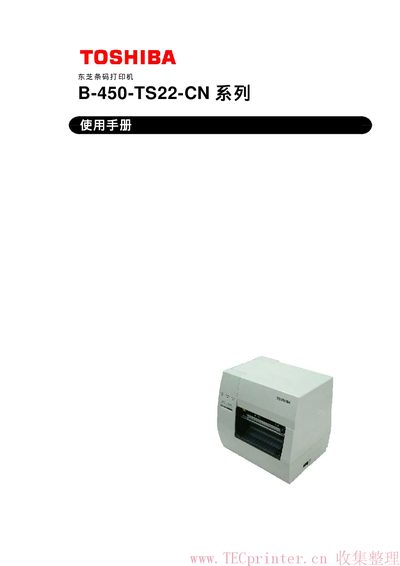
This manual provides safety guidelines, installation steps, and operating instructions for the Toshiba B-450-TS22-CN thermal/thermal‑transfer barcode printer. It includes detailed warnings, recommended maintenance, and troubleshooting procedures to ensure reliable performance.
The document also lists technical specifications, supported barcode types, interface options, and guidelines for handling paper and ribbon supplies. Users are instructed to contact authorized Toshiba TEC agents for service and parts. This manual is written in Chinese.
| Print resolution | 11.8 dots/mm (300 dpi) |
|---|---|
| Maximum print speed | 101.6 mm/s (4 in/s) |
| Dimensions (W×H×D) | 270 mm × 245 mm × 200 mm (410 mm depth with paper feed unit) |
| Weight | 4.7 kg (without paper and ribbon) |
Turn the power switch to OFF, then unplug the power cord before performing any maintenance or cleaning.
First disconnect the power cord, then release the cutter cover lever and clean the cutter carefully, avoiding contact with the sharp blade.