
东芝条码打印机B-450-TS22-CN series user manual, which introduces the product's safety use, basic operation and maintenance.
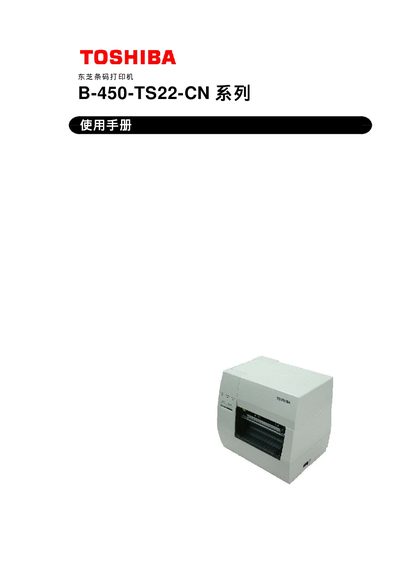
This manual provides safety guidelines, installation steps, and operating instructions for the Toshiba B-450‑TS22‑CN barcode printer. It includes detailed information on loading media, configuring interfaces, and performing routine maintenance.
The document also contains technical specifications, troubleshooting procedures, and a list of optional accessories such as cutter and peel‑off modules. Users are advised to follow all warnings and to contact an authorized Toshiba TEC service agent for repairs. This manual is written in Chinese.
| Print head resolution | 11.8 dot/mm (300 dpi) |
|---|---|
| Interface options | USB, Ethernet, Parallel (Centronics), Serial (RS‑232C), optional I/O expansion board |
Turn off the power, open the top cover, lift the print‑head lever, remove the paper and ribbon, then pull out the jammed paper. Re‑install the print head and close the cover.