
Connection guide for the Philips 42TA3000 LCD TV covering RF, composite, S-Video, component, HDMI, and PC hookups plus safety instructions.
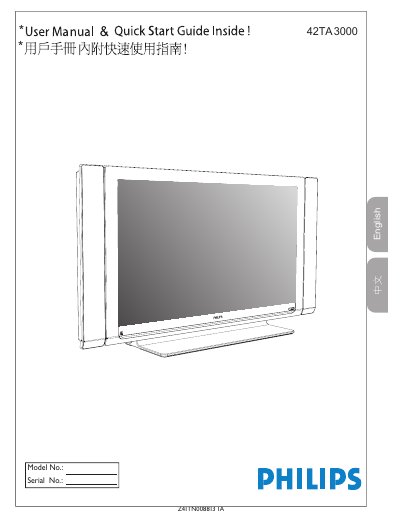
This guide explains how to connect cable boxes, antennas, VCRs, DVD players, and computers to the Philips 42TA3000 LCD TV using RF, composite, S-Video, component, HDMI, and PC inputs. It also identifies the remote-control AV button selections used for each source.
The document includes safety symbols, important safety instructions, battery handling, damage requiring service, tilt and stability, wall or ceiling mounting, power line, antenna grounding, and object and liquid entry precautions. This manual is written in Chinese.
| Ventilation clearance | 4 to 6 inches |
|---|
Use the AV button on the remote control to tune to the AV channel for the cable box signal.
Run the Auto store function to set up the TV for the broadcast or cable channels available in your area.
Yes, use the AV button on the remote control to select PC.
No, audio cables must be connected to provide sound.