
Key facts
- Brand
- Panasonic
- Model
- WJ-SX150
- Category
- other commodities
- Industry
- Electronics
- Documents
- 2
- Languages
- EN
- Last added
- 2012-08-08
Start here
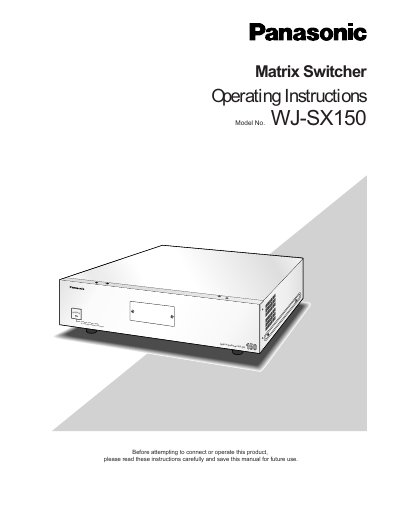
Panasonic WJ-SX150 Matrix Switcher Operating Instructions
The Panasonic WJ-SX150 is a matrix switcher designed for surveillance control systems. It supports configurations with up to 16 cameras, 4 monitors, and 4 system controllers. The unit can be combined with Digital Disk Recorders (WJ-HD500 or WJ-HD100 Series) or time-lapse VCRs to establish a complete local area surveillance system.
Read onlinePanasonic WJ-SX150 specifications
| Maximum operator IDs | 16 |
|---|---|
| Maximum monitor number | 4 |
| Maximum camera number | 99 |
All Panasonic WJ-SX150 documents by type
Day-to-day operation, settings and troubleshooting. Start here if the product is already set up.
Questions answered in these manuals
What is the maximum number of cameras supported?
The system is designed for a surveillance control system composed of up to 16 cameras.
From: Panasonic WJ-SX150 Matrix Switcher Operating Instructions
What is the maximum number of cameras supported by this matrix switcher?
The WJ-SX150 Matrix Switcher is designed for a surveillance control system composed of up to 16 cameras.
From: Panasonic WJ-SX150 Matrix Switcher Operating Instructions
How can I store a preset camera position?
Select the monitor and camera, move the joystick to the desired position, press the numeric button for the preset number (1‑64), then press PRESET/PGM PRESET while holding SHIFT to save.