
Key facts
- Brand
- Panasonic
- Model
- KX-FP205
- Category
- Office Equipment
- Documents
- 2
- Languages
- EN · ES
- Last added
- 2012-08-07
Start here
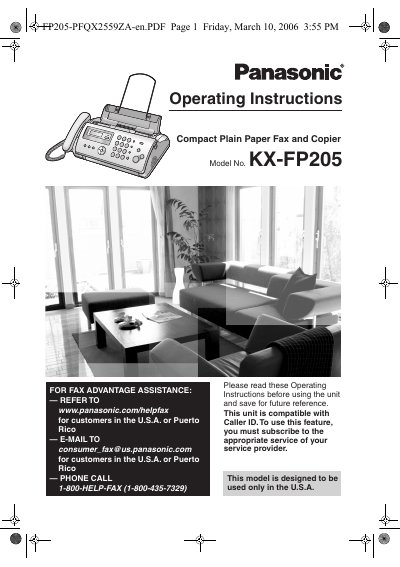
Panasonic KX-FP205 Compact Plain Paper Fax and Copier Operating Instructions
This manual provides operating instructions for the Panasonic KX-FP205 Compact Plain Paper Fax and Copier. It details the included accessories, safety precautions, and initial setup procedures including connections and programming. The guide explains how to use the machine for sending and receiving faxes, making phone calls, and performing copy functions.
Read onlineAll Panasonic KX-FP205 documents by type
Day-to-day operation, settings and troubleshooting. Start here if the product is already set up.
Questions answered in these manuals
Where can customers in the U.S.A. or Puerto Rico find assistance?
Customers can visit the website www.panasonic.com/helpfax or email [email protected].
From: Panasonic KX-FP205 Compact Plain Paper Fax and Copier Operating Instructions
What is the phone number for fax assistance in the U.S.A.?
The phone number for assistance is 1-800-HELP-FAX (1-800-435-7329).
From: Panasonic KX-FP205 Compact Plain Paper Fax and Copier Operating Instructions
What is the maximum length of the included start-up film?
The included start-up film is 10 meters long.
How many pages of letter-size paper can one roll of replacement film print?
One roll of replacement film will print about 80 pages of letter size.