
Key facts
- Brand
- Panasonic
- Model
- KX-FLM551
- Category
- Office Equipment
- Industry
- Appliances
- Documents
- 2
- Languages
- EN
- Last added
- 2012-08-07
Start here
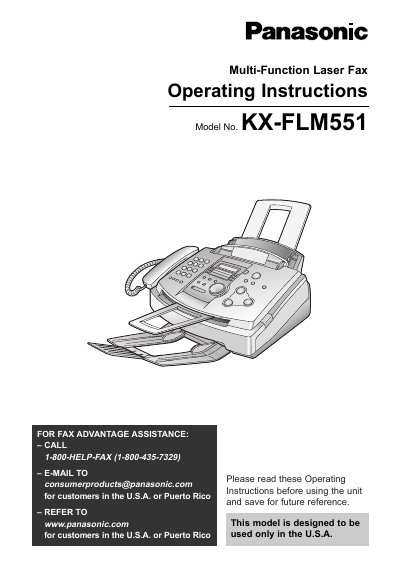
Panasonic KX-FLM551 Multi-Function Laser Fax Operating Instructions
This manual provides operating instructions for the Panasonic KX-FLM551 multi-function laser fax machine, designed for use in the U.S.A. and Puerto Rico. It covers initial setup, including the installation of the toner cartridge and drum unit, as well as connecting the device to telephone lines and computers. The guide details how to configure settings such as date, time, and facsimile telephone numbers, and explains the use of the Help button and various display functions.
Read onlineAll Panasonic KX-FLM551 documents by type
Day-to-day operation, settings and troubleshooting. Start here if the product is already set up.
Questions answered in these manuals
What is the model number of this fax machine?
The model number is KX-FLM551.
From: Panasonic KX-FLM551 Multi-Function Laser Fax Operating Instructions
How many sheets can the starter toner cartridge print?
The complementary starter toner cartridge can print approximately 800 sheets of letter size paper with a 5% image area.
From: Panasonic KX-FLM551 Multi-Function Laser Fax Operating Instructions
How many steps does one click of the JOG DIAL represent?
Each click of the JOG DIAL indicates one jog step.
From: Panasonic KX-FLM551 Multi-Function Laser Fax Control Panel Layout Description
What are the functions of the COPY ZOOM button?
The COPY ZOOM button acts as PLUS or MINUS keys and also controls volume increase and decrease.
From: Panasonic KX-FLM551 Multi-Function Laser Fax Control Panel Layout Description