
Key facts
Start here
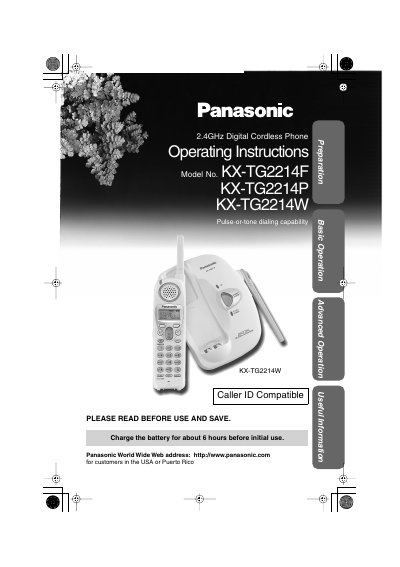
Panasonic KX-TG2214F/KX-TG2214P/KX-TG2214W 2.4GHz Digital Cordless Phone Operating Instructions
This manual provides operating instructions for the Panasonic KX-TG2214 series 2.4GHz digital cordless phone, including models KX-TG2214F, KX-TG2214P, and KX-TG2214W. It details the location of controls on the base unit and handset, as well as how to install the battery and charge it for initial use. The document explains the use of soft keys and the navigator key for various functions.
Read onlinePanasonic KX-TG2214W specifications
| Frequency | 2.4GHz |
|---|---|
| Battery Type | Nickel-Metal Hydride (Ni-MH) |
| Power Requirements | AC 120 V, 60 Hz |
| Initial Charge Time | about 6 hours |
Source: Panasonic KX-TG2214F/KX-TG2214P/KX-TG2214W 2.4GHz Digital Cordless Phone Operating Instructions
All Panasonic KX-TG2214W documents by type
Day-to-day operation, settings and troubleshooting. Start here if the product is already set up.
Questions answered in these manuals
How long should I charge the battery before initial use?
You should charge the battery for about 6 hours before initial use.
From: Panasonic KX-TG2214F/KX-TG2214P/KX-TG2214W 2.4GHz Digital Cordless Phone Operating Instructions
Where should the base unit be located for best performance?
The base unit should be in a high and central location, away from electrical appliances and other cordless phones.
From: Panasonic KX-TG2214F/KX-TG2214P/KX-TG2214W 2.4GHz Digital Cordless Phone Operating Instructions
Where is the antenna located on the handset?
The antenna is a narrow protrusion that is 2.8 inches long and is found at the top right of the handset when buttons are facing you.
From: Panasonic KX-TG2214W 2.4 GHz Digital Cordless Phone Control Panel Layout
What functions do the soft keys on the handset perform?
Each soft key selects the function shown on the display directly above it.
From: Panasonic KX-TG2214W 2.4 GHz Digital Cordless Phone Control Panel Layout