
This document describes the operation instructions for a matrix switcher and its system controller. By setting the auto login function, certain operations can be skipped. It also covers system connections and basic operation procedures.
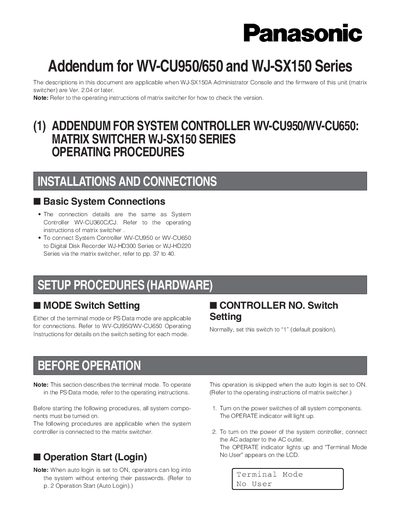
This addendum provides detailed operating procedures for Panasonic WV-CU950/650 system controllers when used with WJ-SX150 series matrix switchers. It covers login, auto‑login, logout, monitor and camera selection, priority lock, and various camera functions such as focus, zoom, iris, and preset positions.
The document also explains hardware setup, mode switching, auto‑pan, patrol learn, black‑and‑white mode, and new commands available when a Digital Disk Recorder (WJ‑HD300 series) is connected. All procedures assume firmware version 2.04 or later.
| Maximum operator IDs | 16 |
|---|---|
| Maximum monitor number | 4 |
| Maximum camera number | 99 |
Select the monitor and camera, move the joystick to the desired position, press the numeric button for the preset number (1‑64), then press PRESET/PGM PRESET while holding SHIFT to save.