
Key facts
- Brand
- Panasonic
- Model
- KX-FP81
- Category
- Fax machine
- Documents
- 2
- Languages
- EN · ZH
- Last added
- 2012-08-07
Start here
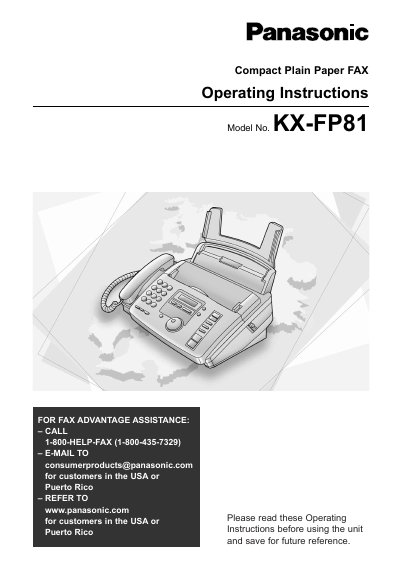
Panasonic KX-FP81 Compact Plain Paper FAX Operating Instructions
This manual provides operating instructions for the Panasonic KX-FP81 compact plain paper fax machine. The unit combines facsimile, telephone, and copier features to provide efficient office or home use. It is designed for customers in the USA and Puerto Rico.
Read onlineAll Panasonic KX-FP81 documents by type
Day-to-day operation, settings and troubleshooting. Start here if the product is already set up.
Questions answered in these manuals
How do I get fax assistance in the USA?
Call 1-800-HELP-FAX (1-800-435-7329) or email [email protected].
From: Panasonic KX-FP81 Compact Plain Paper FAX Operating Instructions
Where can I find the serial number?
The serial number is found on the rear of the unit.
From: Panasonic KX-FP81 Compact Plain Paper FAX Operating Instructions
How do I enable Easy Dial on the KX-FP81HK?
Select the Easy Dial option in the menu; the manual lists the Easy Dial feature under the function list.
How can I switch the machine to Fax‑Only mode?
Choose the FAX ONLY mode from the operation mode settings; the manual shows a FAX ONLY option.