
Key facts
- Brand
- Panasonic
- Model
- TH-42PRT12U
- Category
- Television
- Industry
- Appliances
- Documents
- 2
- Languages
- EN
- Last added
- 2012-08-03
Start here
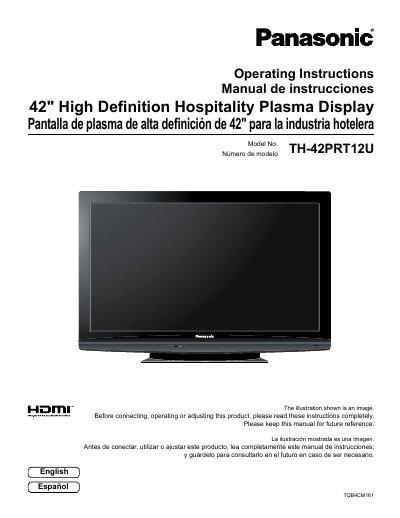
Panasonic TH-42PRT12U Plasma Display Operating Instructions
This manual provides operating instructions for the Panasonic TH-42PRT12U, a 42-inch high definition hospitality plasma display. It includes safety precautions, installation guidance for wall-hanging and pedestal attachment, and detailed connection instructions for various input signals including HDMI, Component, and PC inputs.
The document covers the operation of the unit using the power switch and button, initial setup procedures, and navigation of the On-Screen Menu for Picture, Sound, and Setup adjustments. It also includes specific instructions for Hotel Mode configuration and a troubleshooting section.
Panasonic TH-42PRT12U specifications
| Screen Size | 42 inches |
|---|---|
| Product Type | Plasma Display |
| Model Number | TH-42PRT12U |
Source: Panasonic TH-42PRT12U Plasma Display Operating Instructions
All Panasonic TH-42PRT12U documents by type
Day-to-day operation, settings and troubleshooting. Start here if the product is already set up.
Questions answered in these manuals
What type of display is the TH-42PRT12U?
It is a 42-inch high definition hospitality plasma display.
From: Panasonic TH-42PRT12U Plasma Display Operating Instructions
Who is the responsible party for this device?
Panasonic Corporation of North America.
From: Panasonic TH-42PRT12U Plasma Display Operating Instructions
What safety precaution is required regarding the power plug?
Do not remove the grounding pin on the power plug as it is a safety feature.
From: Panasonic TH-42PRT12U Plasma Display Operating Instructions
What happens if a still picture is displayed for an extended period?
It can cause a permanent image retention to remain on the Plasma Display.
From: Panasonic TH-42PRT12U Plasma Display Operating Instructions