
Panasonic TH-42PRT12U Plasma Display Operating Instructions

This manual is a user manual for the 42-inch high-definition hotel screen (TH-42PRT12U).
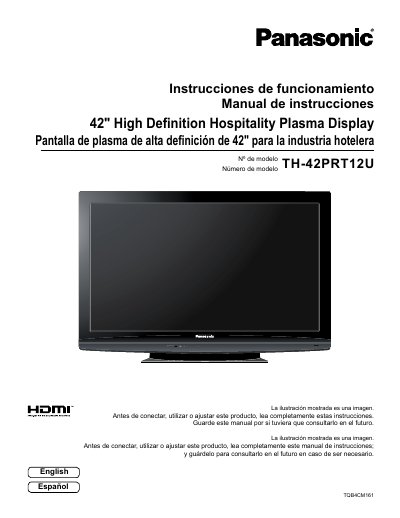

Panasonic TH-42PRT12U Plasma Display Operating Instructions - cover page
Brand
Panasonic
Category
Television
Document type
User Manual
Language
English
Pages
36
File format
PDF
File size
2.2 MB
Published
03 August, 2012
Updated
30 September, 2023
MD5 checksum
C886D9384C1222B8C9D5DD4EAEA243E9

About this manual

This manual provides operating instructions for the Panasonic TH-42PRT12U, a 42-inch high definition hospitality plasma display. It includes safety precautions, installation guidance for wall-hanging and pedestal attachment, and detailed connection instructions for various inputs including HDMI, Component, and PC terminals. The document also covers power operation, initial setup, and menu navigation for Picture, Sound, and Hotel Mode configurations.

What's inside

  • Important Safety Instructions
  • Accessories Supplied
  • Attaching the Pedestal
  • Location and Wall-hanging
  • Connections (AV, HDMI, PC)
  • Power ON / OFF
  • Initial selections
  • On-Screen Menu Display
  • HOTEL MODE Setup
  • Specifications

Specifications

Screen Size42 inches
Product TypePlasma Display
Model NumberTH-42PRT12U

Frequently asked questions

What safety precaution is required regarding the power plug?

Do not remove the grounding pin on the power plug as it is a safety feature.

What happens if a still picture is displayed for an extended period?

It can cause a permanent image retention to remain on the Plasma Display.

Who should perform servicing if the apparatus is damaged?

Servicing should be referred to qualified service personnel.

Download PDF (2.2 MB)

More Panasonic Manuals


View all Panasonic manuals →