
This manual describes how to connect, operate and adjust this product. It also contains the product specifications and warranty information.
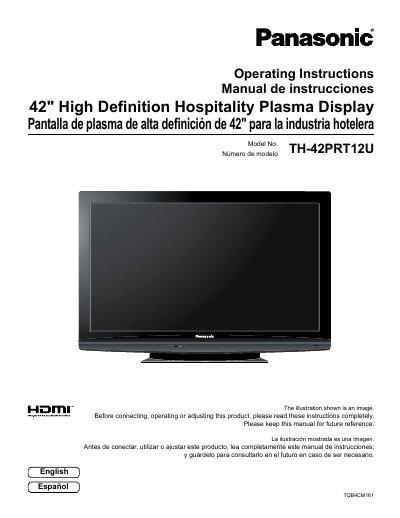
This manual provides operating instructions for the Panasonic TH-42PRT12U, a 42-inch high definition hospitality plasma display. It includes safety precautions, installation guidance for wall-hanging and pedestal attachment, and detailed connection instructions for various input signals including HDMI, Component, and PC inputs.
The document covers the operation of the unit using the power switch and button, initial setup procedures, and navigation of the On-Screen Menu for Picture, Sound, and Setup adjustments. It also includes specific instructions for Hotel Mode configuration and a troubleshooting section.
| Screen Size | 42" |
|---|---|
| Product Type | Plasma Display |
It is a 42-inch high definition hospitality plasma display.
Panasonic Corporation of North America.