
The NEC MT1056 is a projector with multiple input options and control features.
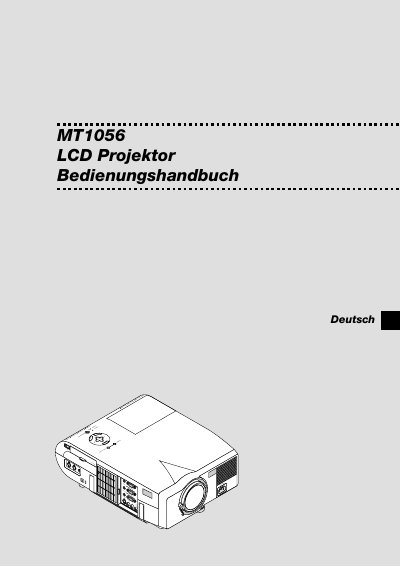
This manual introduces the NEC MT1056 LCD projector, describing its features, front‑ and rear‑panel layout, remote control functions and supplied accessories. It explains how to unpack the unit, install it on a table, cart or ceiling, and connect video sources such as PC, VCR, DVD or external monitors.
The guide also covers safe operation, lamp replacement, cleaning, troubleshooting of power/status messages, and detailed technical data including power requirements, lamp power, weight, resolution and compatible input signals. This manual is written in German.
| Power supply voltage | 100‑120 V or 200‑240 V, 50/60 Hz AC |
|---|---|
| Weight | 6.0 kg (13.3 lb) |
| Maximum resolution | UXGA 1600 × 1200 |
Turn off the projector, unplug it, wait at least one minute, then follow the lamp‑exchange instructions; avoid touching the glass and let qualified NEC service personnel handle the replacement if needed.