
This is the NEC MT1056 projector user manual, which introduces how to use the projector's operation methods, including connecting power, connecting signal sources, setting projection modes, adjusting brightness, contrast, etc.
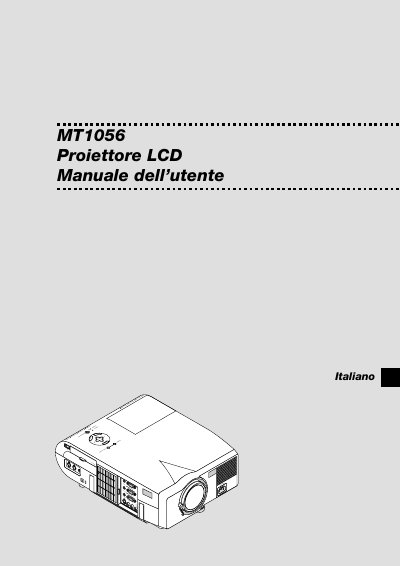
This manual introduces the NEC MT1056 LCD projector, describing its main features, front‑ and rear‑panel controls, and the supplied accessories. It explains how to set up the projector on a flat surface, connect power and video sources, and adjust image settings using the on‑screen menu and remote control.
Safety precautions, lamp‑replacement instructions, cleaning guidelines, and troubleshooting tips are covered in detail. The document also lists the projector’s electrical requirements, lamp power, weight, and supported video signal formats. This manual is written in Italian.
| Weight | 6.0 kg / 13.3 lbs |
|---|---|
| Lamp Power | 200 W (NSH) |
| Power Input | 100‑120 V or 200‑240 V, 50/60 Hz |
| Native Resolution | XGA (1024 × 768) |