
Key facts
Start here
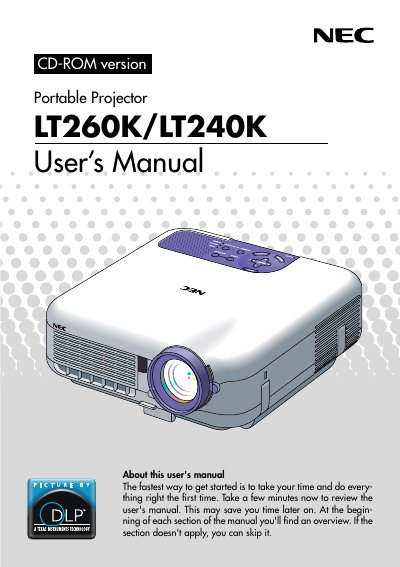
NEC LT260K/LT240K Portable Projector User's Manual
The NEC LT260K/LT240K is a portable projector designed to display images from various sources such as PCs, Macintosh computers, VCRs, DVD players, document cameras, and laser disc players. It supports projection sizes ranging from 30 to 500 inches diagonally and can be used on a tabletop, cart, or permanently mounted on a ceiling by qualified technicians.
Read onlineNEC LT260 specifications
| Resolution | UXGA (1600 x 1200) |
|---|---|
| Lamp Power | 220 watt DC lamp |
| Projection Size | 30 to 500 inches |
| Horizontal Frequency | 24 to 100 kHz |
| Vertical Frequency | 50 to 120 Hz |
Source: NEC LT260/LT240/LT220 Portable Projector User's Manual
All NEC LT260 documents by type
Day-to-day operation, settings and troubleshooting. Start here if the product is already set up.
Questions answered in these manuals
What is the maximum diagonal image size this projector can display?
The LT260K/LT240K enables you to project precise images up to 500 inches across (measured diagonally).
What is the power rating of the high-bright lamp included with this projector?
The LT260K/LT240K features a high-bright 220 watt DC lamp.
How do I turn the projector on or off?
Press and hold the POWER button for a minimum of two seconds.
From: NEC LT260/LT240/LT220 Portable Projector User's Manual
What does a rapidly blinking red STATUS indicator mean?
It indicates that an error has occurred, the lamp cover is not attached properly, or the projector has overheated.
From: NEC LT260/LT240/LT220 Portable Projector User's Manual
How do I turn on or off the projector?
Press and hold the POWER button for a minimum of two seconds.
From: NEC LT260/LT240/LT220 Portable Projector User's Manual
What does the STATUS indicator mean if it blinks red rapidly?
It indicates that an error has occurred, the lamp cover is not attached properly, or the projector has overheated.
From: NEC LT260/LT240/LT220 Portable Projector User's Manual